> For the complete documentation index, see [llms.txt](https://edge-x.gitbook.io/docs/llms.txt). Markdown versions of documentation pages are available by appending `.md` to page URLs; this page is available as [Markdown](https://edge-x.gitbook.io/docs/tutorial/android/clash-meta-for-android.md).
# Clash Meta for Android
写在前面:多数Clash系列软件都可以正常使用我们的服务,使用时请保持软件为较新版本。我们测试了 Clash Verge/ Party / Mi / Meta / FX / OpenClash。使用时请务必关闭DNS覆写(默认就是关闭的),并保持原有的配置文件。
已知无法使用的版本:Clash for Windows、Clash X,以及2025年6月后未更新的客户端或软件版本。
Clash教程大同小异,本次以Clash meta 为例:
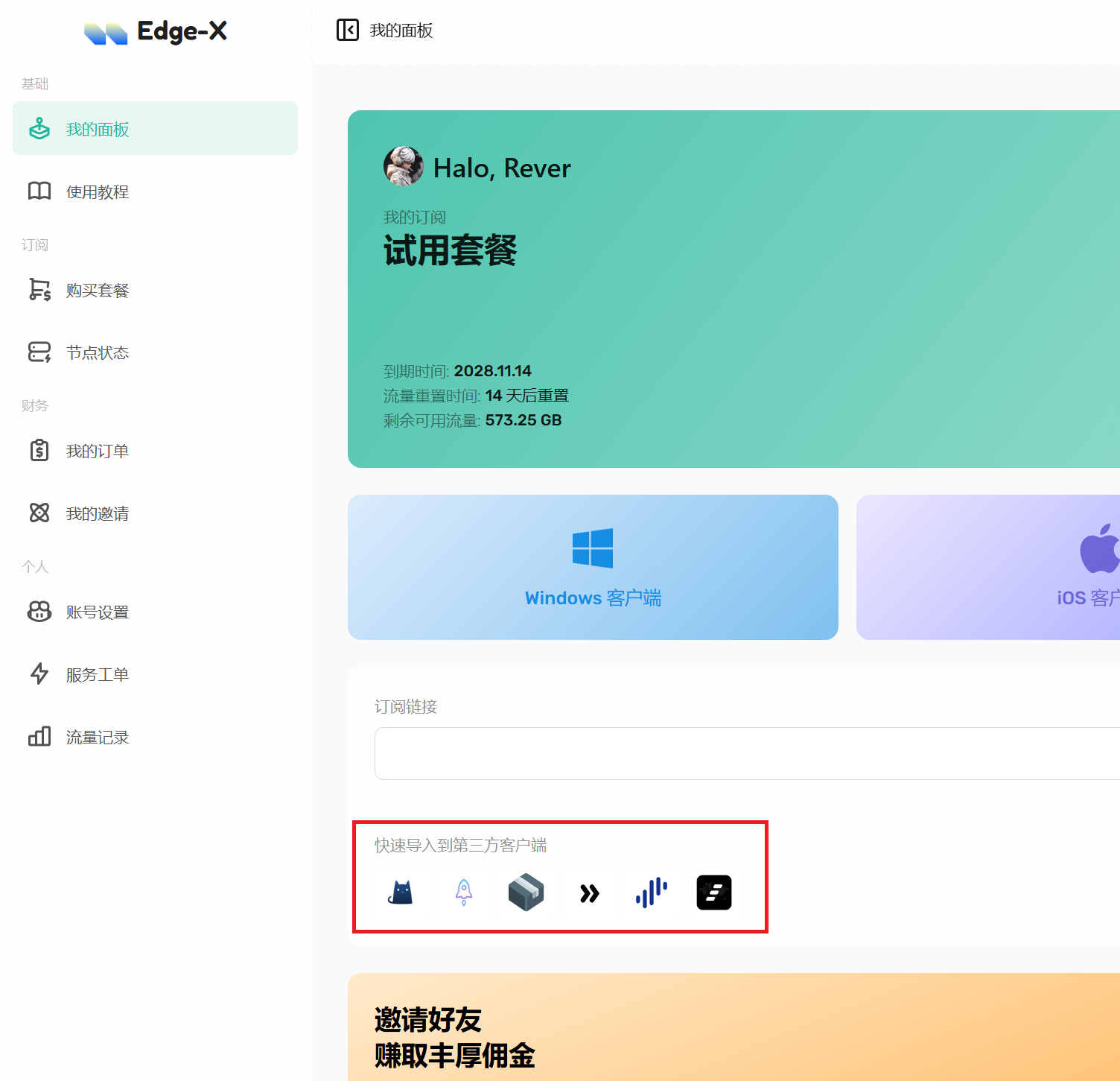
1. 访问Edge-X主页,在首页下方“快速导入到第三方客户端”选择Clash,系统将自动把订阅导入至客户端
2. 点击“已停止”,将软件切换至运行状态,若默认显示“运行中”则直接操作下一步
3. 选择Proxy或代理,选择希望使用的节点,软件即配置完毕。